
Payments & checkout
Check out in seconds. Get paid your way.
Deposits when clients book online. Card, cash or a QR code at the desk. Tips, discounts and gift cards in two taps, and a receipt that sends itself.
Try it right here. A made-up salon, and no money moves.
Booked online with a € 20,00 deposit. It is already taken off.
Pick how they pay first
Online deposits
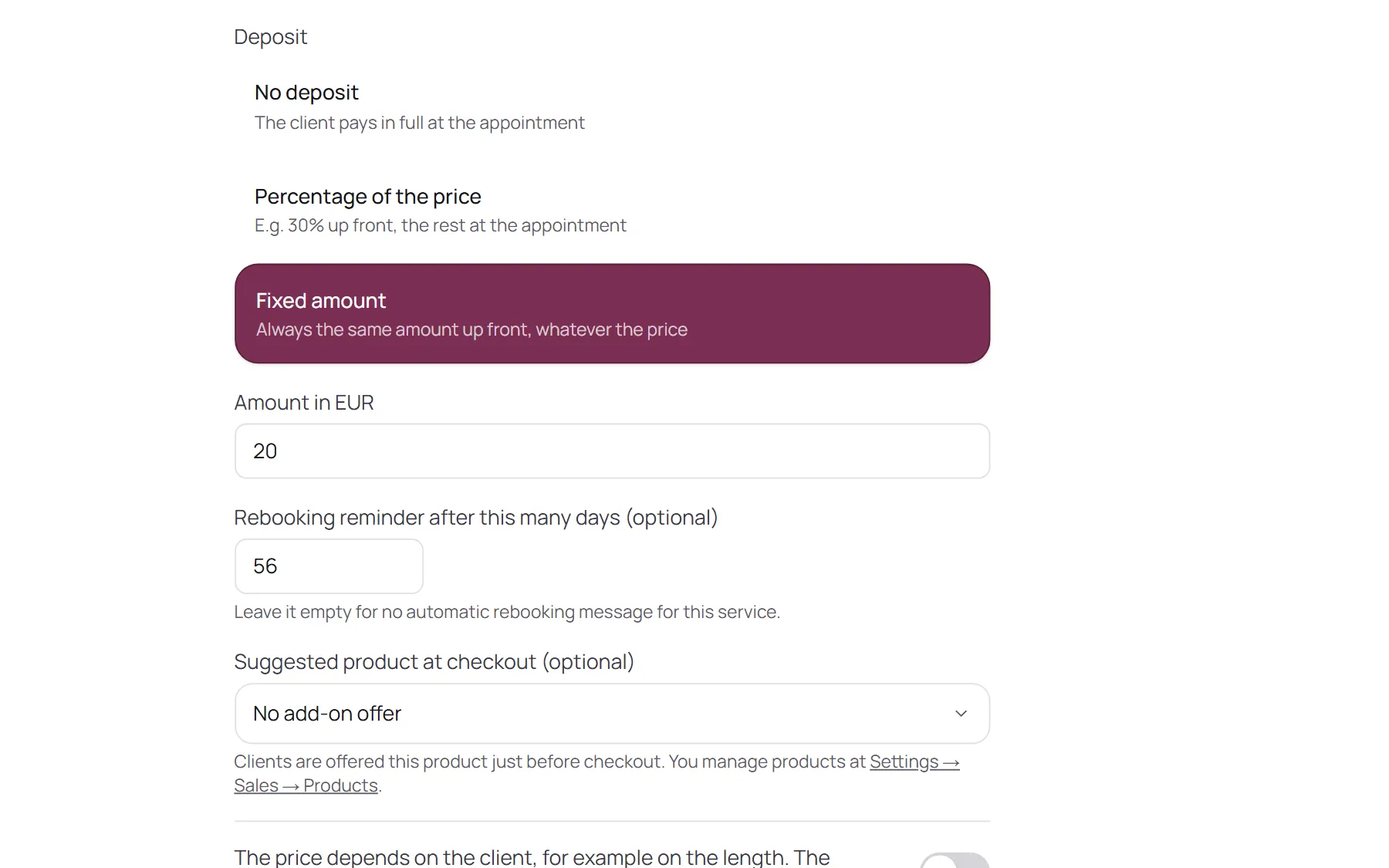
Take a deposit when they book.
Set a deposit per treatment: a percentage of the price or a fixed amount. Clients pay it online while they book, the way people pay in your country, and it lands in your own account.
- No deposit, a percentage or a fixed amount, per treatment
- Already taken off the bill when they pay at the desk
- NOZAIA takes nothing from your payments
At the desk
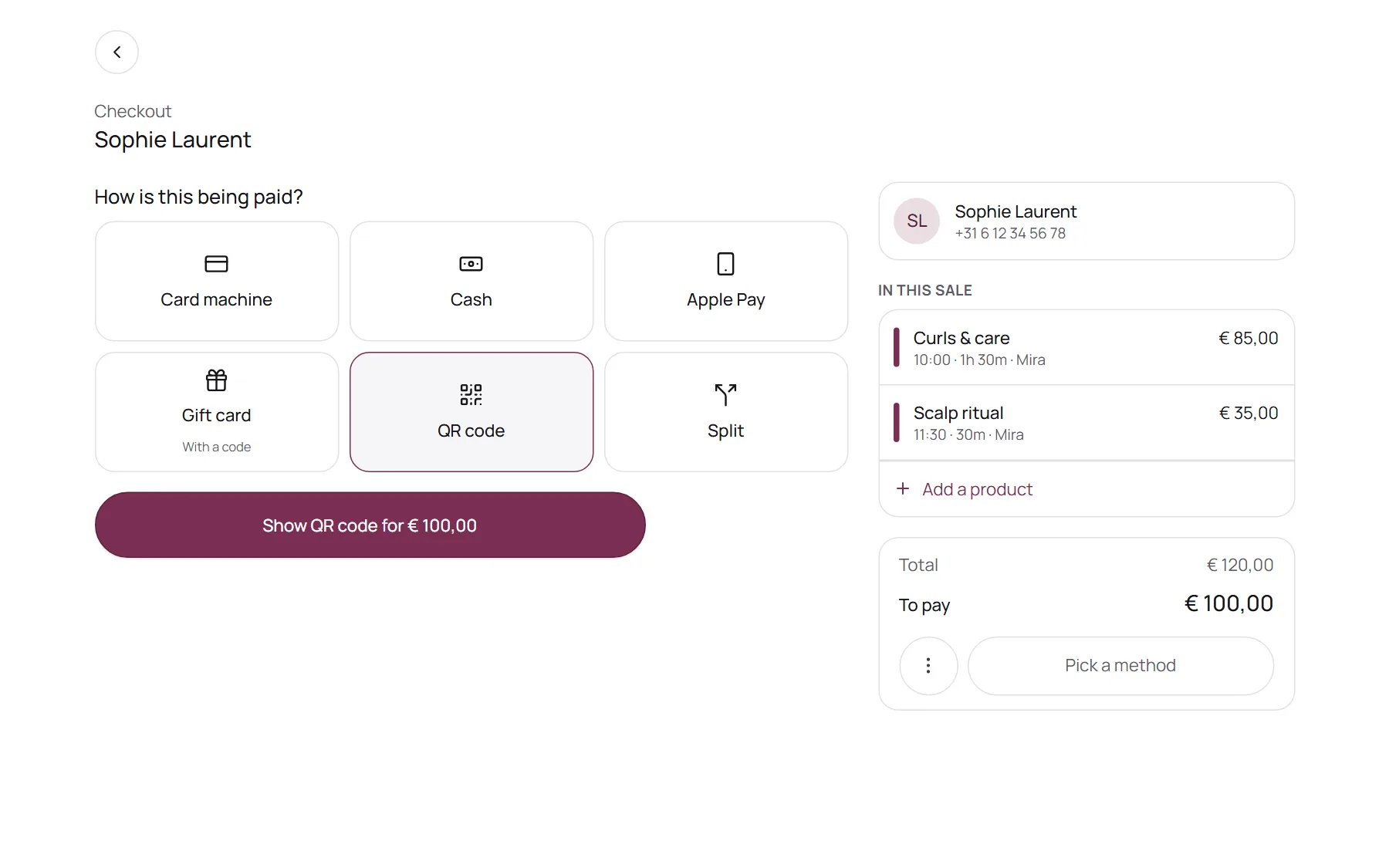
Card, cash or a QR code. One tap.
Checkout only shows the methods you accept. Use the card machine you already have, connect a card reader, take cash, or, in most countries, show a QR code that clients scan to pay on their own phone.
- Add your own methods, like a voucher from a deal site
- Paying later? Save it unpaid and it waits under Outstanding
- An automatic reminder for what is still open
Extras
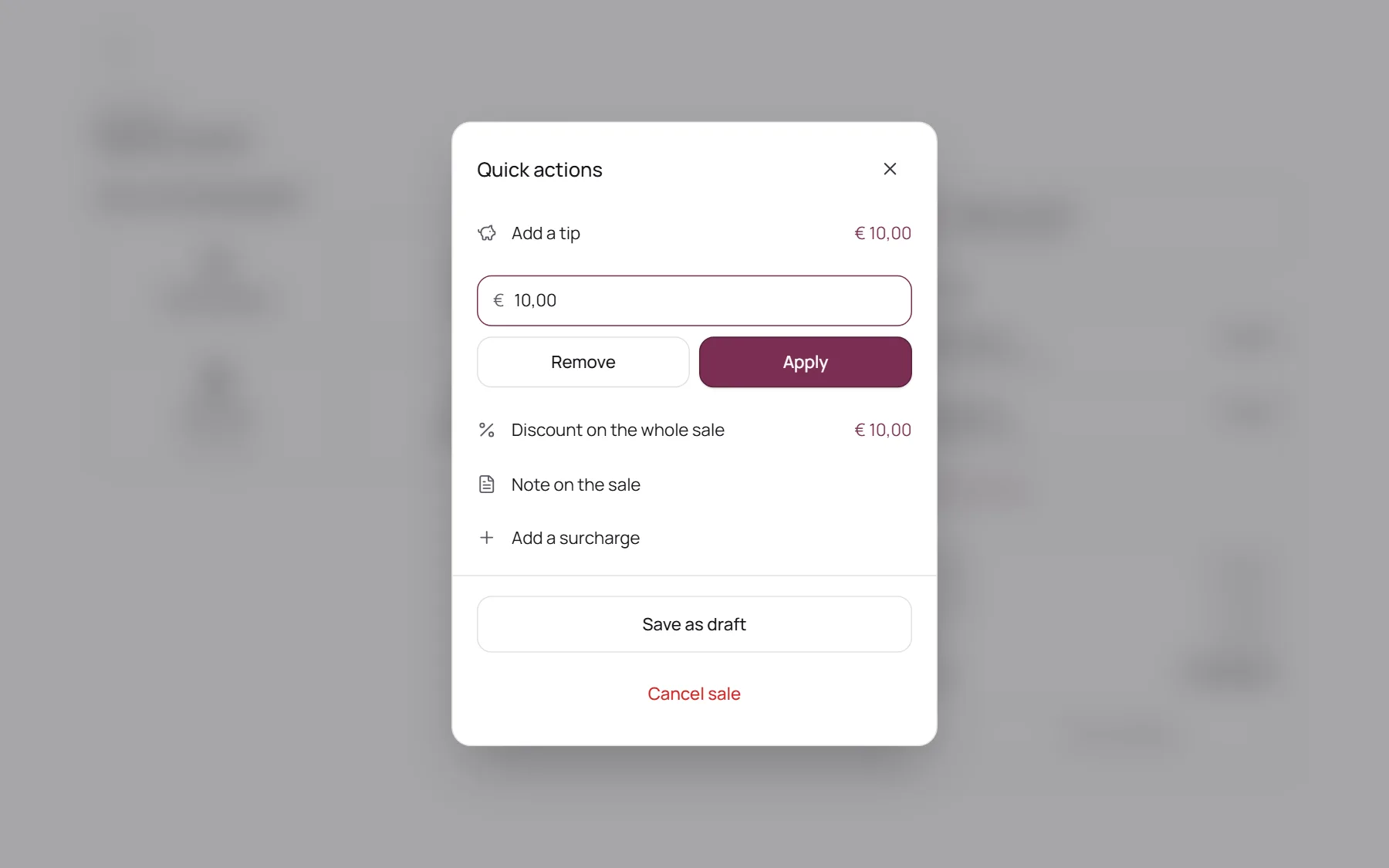
Tips, discounts, gift cards, split bills.
Add a tip or a discount without leaving checkout. Take a gift card with its own code, or split one bill across several payment methods.
- Tips are kept apart from your revenue
- Discount codes with an end date and a usage limit
- A full stamp card is redeemed right at checkout
After the sale
Receipt sent. Day closed.
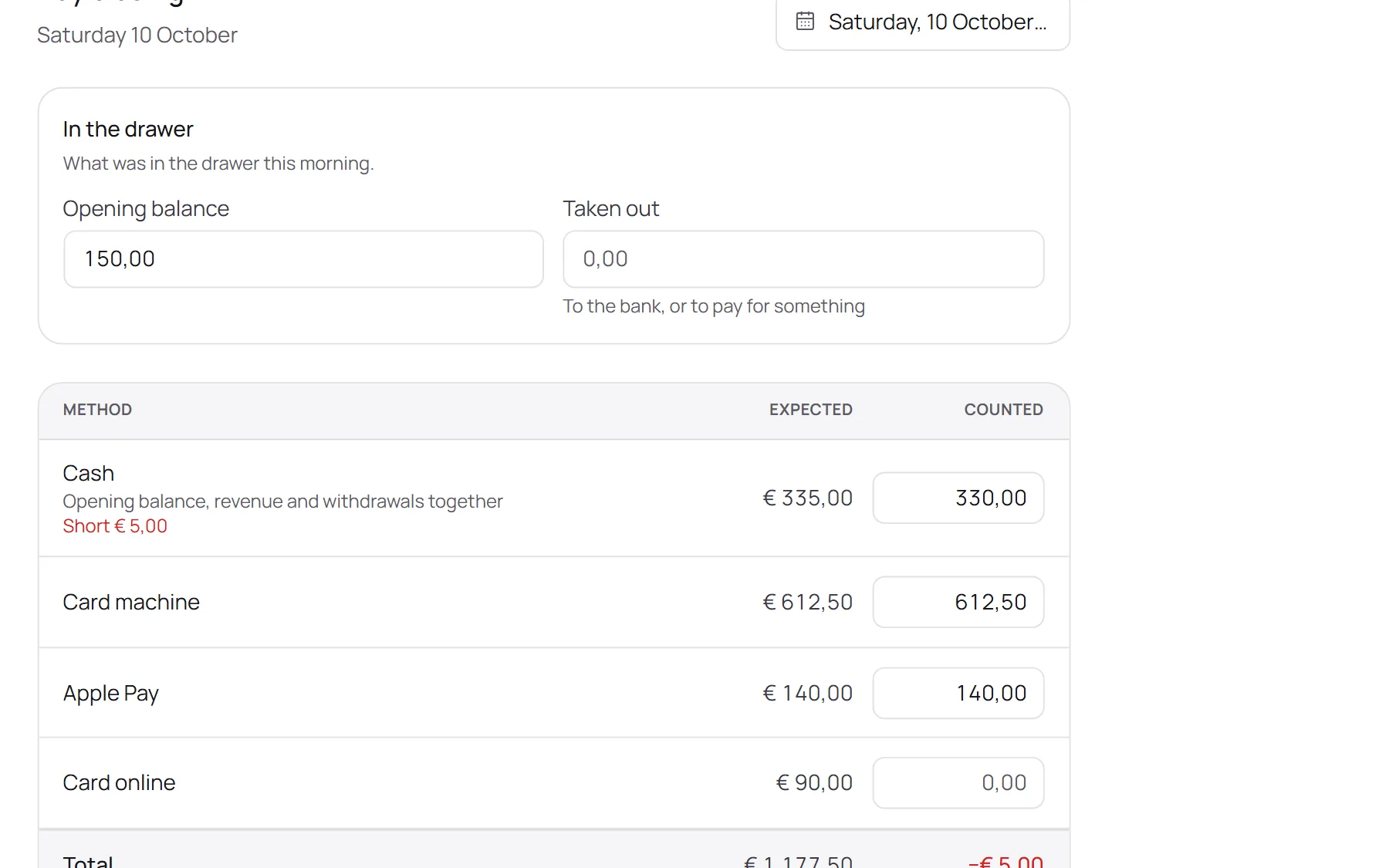
Every sale gets its own invoice number, and clients with an email address get the receipt the moment you check out. At the end of the day you count the till and NOZAIA shows what should be there.
- Download, print or email the invoice as a PDF, with VAT
- Refunds and credit notes leave the original invoice as it was
- A closed day is locked, so yesterday stays yesterday
Ready to take payments in three steps
- 01Connect your account
Link your own payment account once, so deposits and QR payments land with you.
- 02Choose what you accept
Tick the methods you take at the desk and set a deposit per treatment.
- 03Check out
Open the appointment, pick how they pay, done. The receipt goes out by itself.
Questions about payments
Does NOZAIA take a cut of my payments?
No. Online payments go straight to your own payment account, and your provider pays out to your bank. Your provider charges its own transaction fees; NOZAIA only charges your subscription.
Do I need a new card reader?
No. Keep the card machine you have and record each payment with one tap. Or connect a supported card reader, and the amount appears on it by itself.
How do deposits work?
You choose per treatment: no deposit, a percentage of the price or a fixed amount. Clients pay it when they book online, and at checkout it comes off the bill automatically.
Online deposits need a connected payment account. Until you connect one, clients simply book without a deposit.
Is checkout included in my plan?
Yes. Checkout, receipts and the day closing are part of every NOZAIA plan.
Is the demo on this page the real checkout?
Yes, it is the same checkout salons use, with a made-up salon and client in it. Nothing you do there is saved and no money moves.
Less counting. More time for clients.
Start your free trial and check out your first client today.